 Techub Group
Our app · On Google Play since July 2026
Describe the job. Get the quotation.
AI Quotation Maker drafts your quotations from a short job description, then turns them into PDFs you can share on WhatsApp or email. Invoices, receipts and the rest of your paperwork live in the same app.
- AI drafts quotes from a job description
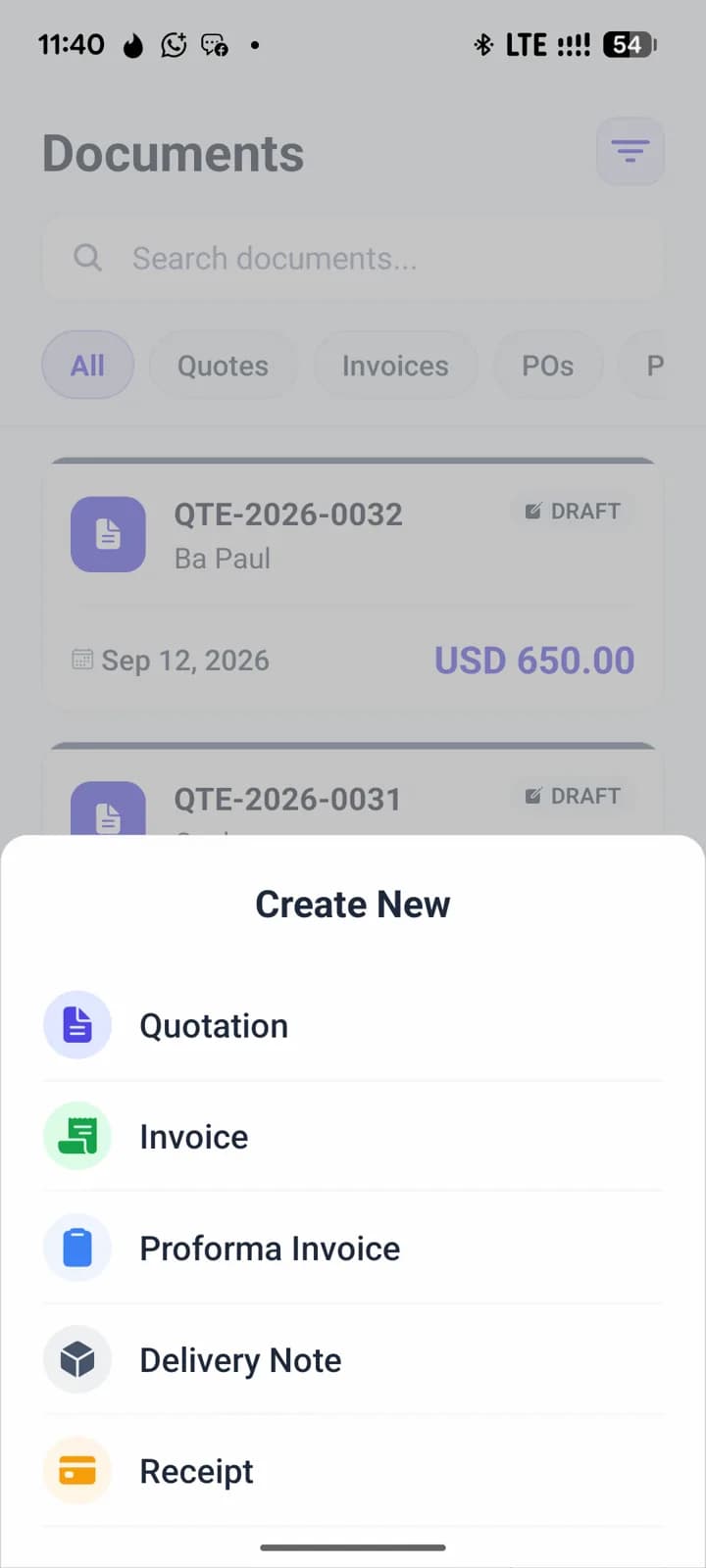
- Six document types, from quotation to purchase order
- Multi-currency, including USD and ZWG
- Free plan to start
How it works
Step 1
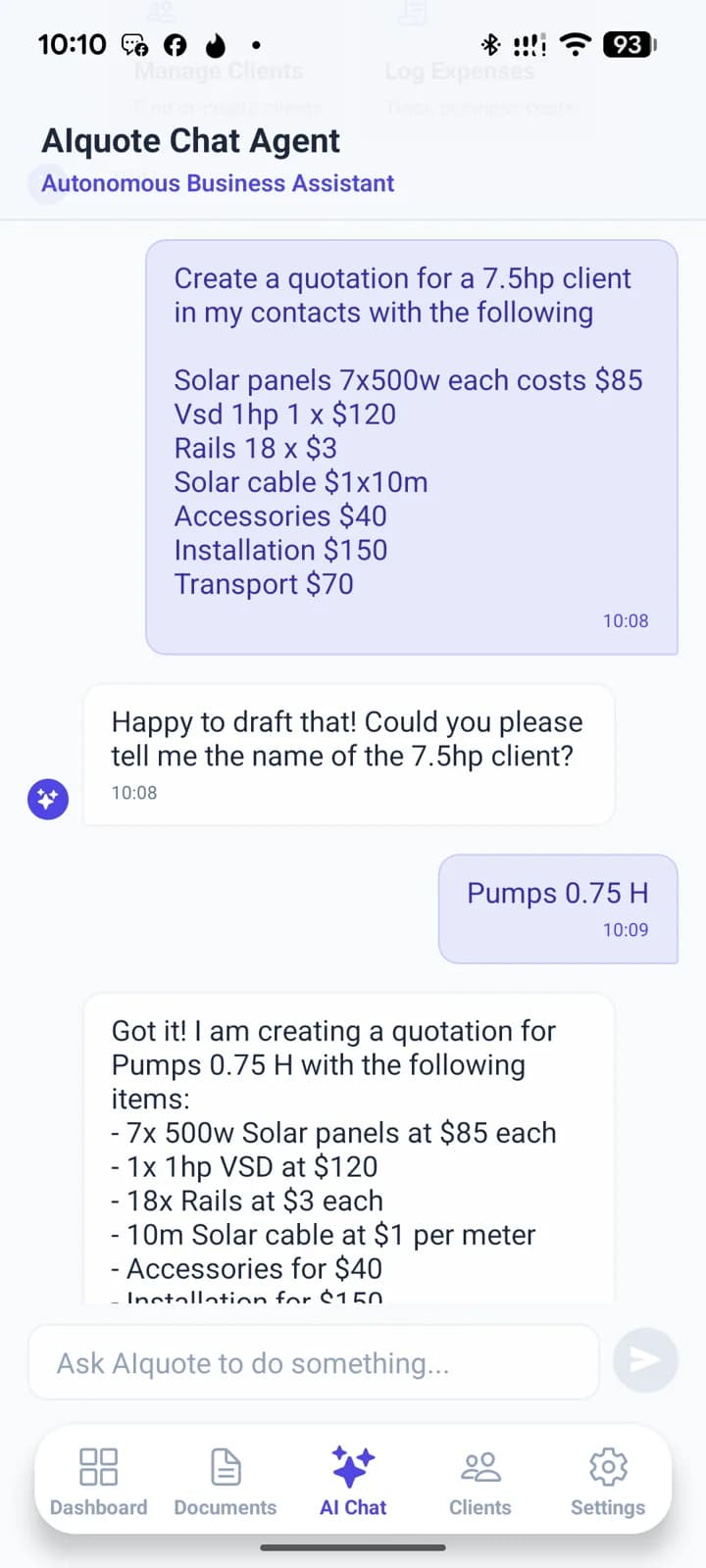
Describe the job
Type what the job involves in the AI chat, in your own words.
Step 2
Check the draft
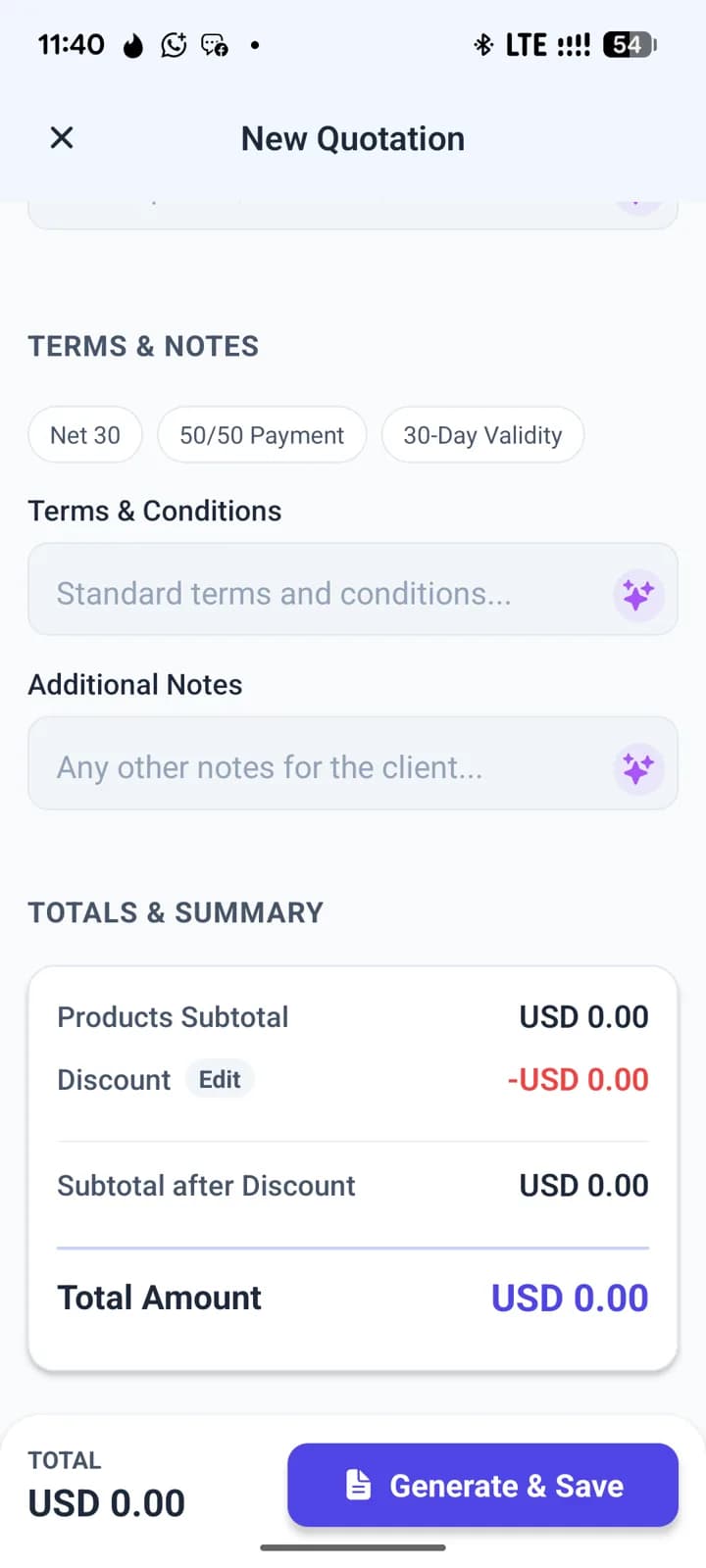
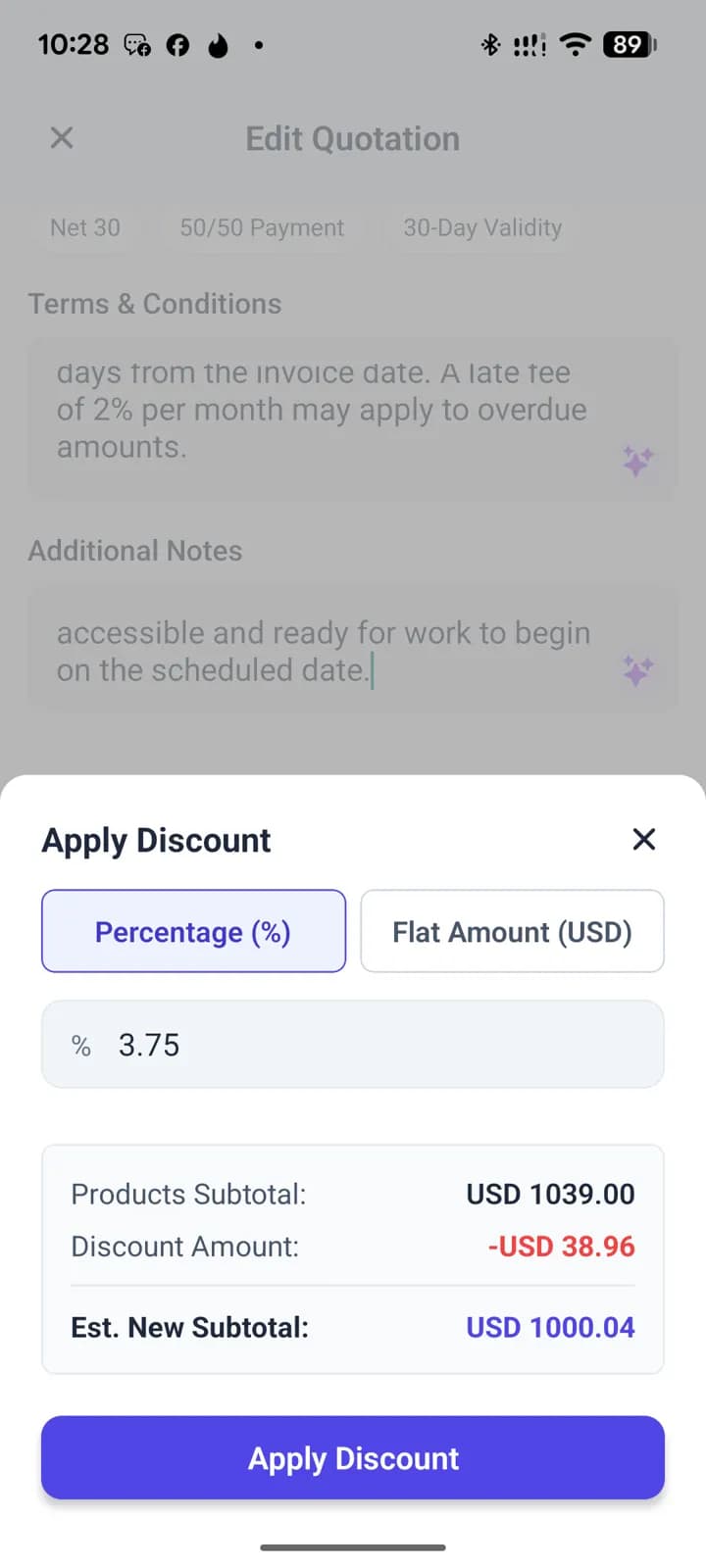
The app drafts the quotation. Adjust items, prices, terms or notes before saving.
Step 3
Share the PDF
Send it to your client as a PDF on WhatsApp or by email.
Features
AI drafts your quotes
An AI chat agent turns a job description into a draft quotation.
Six document types
Quotations, invoices, proformas, receipts, delivery notes and purchase orders.
Multi-currency
USD, ZWG, ZAR, EUR, GBP and other currencies.
PDF on WhatsApp or email
Every document is ready to share as a PDF.
Fingerprint lock
Lock the app with your phone's fingerprint or face unlock.
Light and dark themes
Pick light, dark, or follow your phone's setting.
Free plan, paid plans
Start free. Paid plans are paid via Paynow (EcoCash, OneMoney) or card.
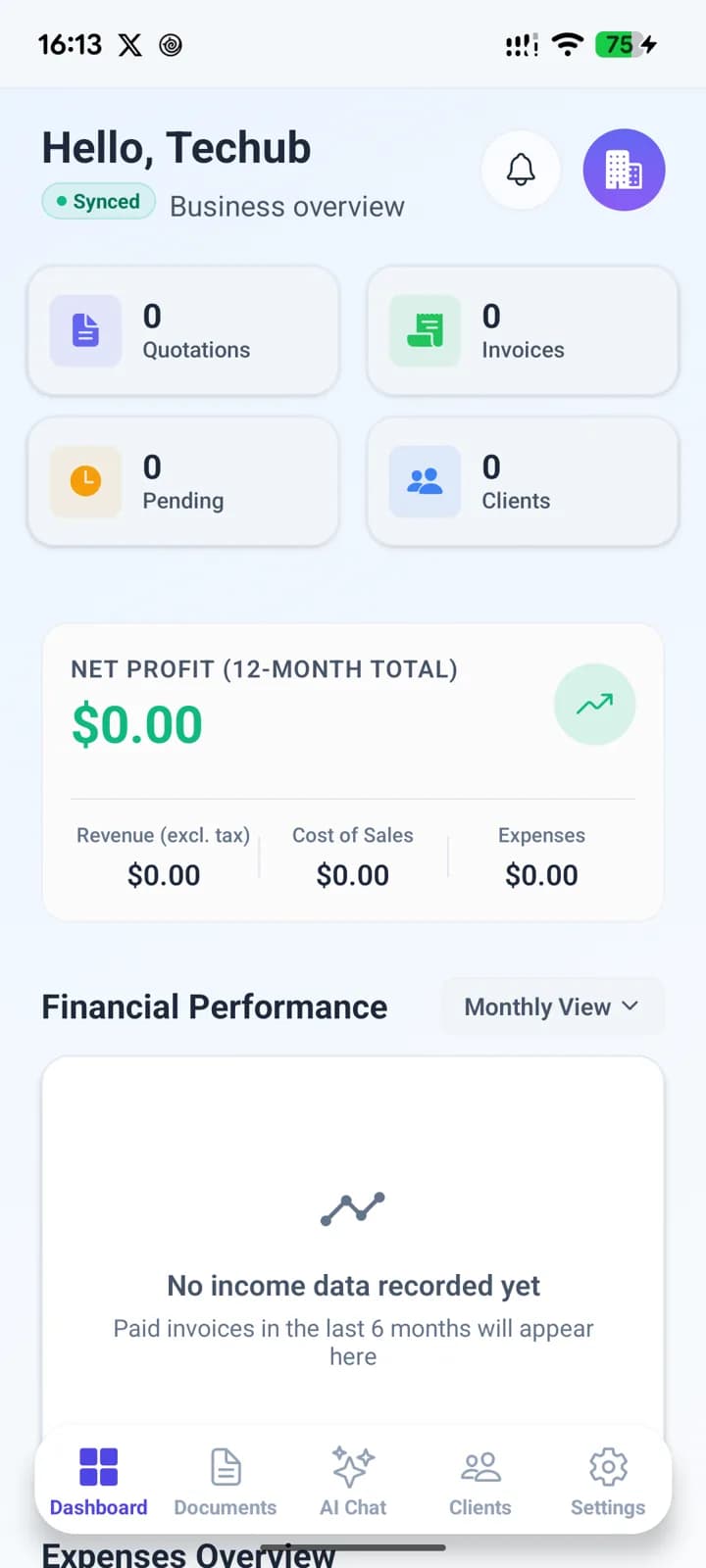
Inside the app
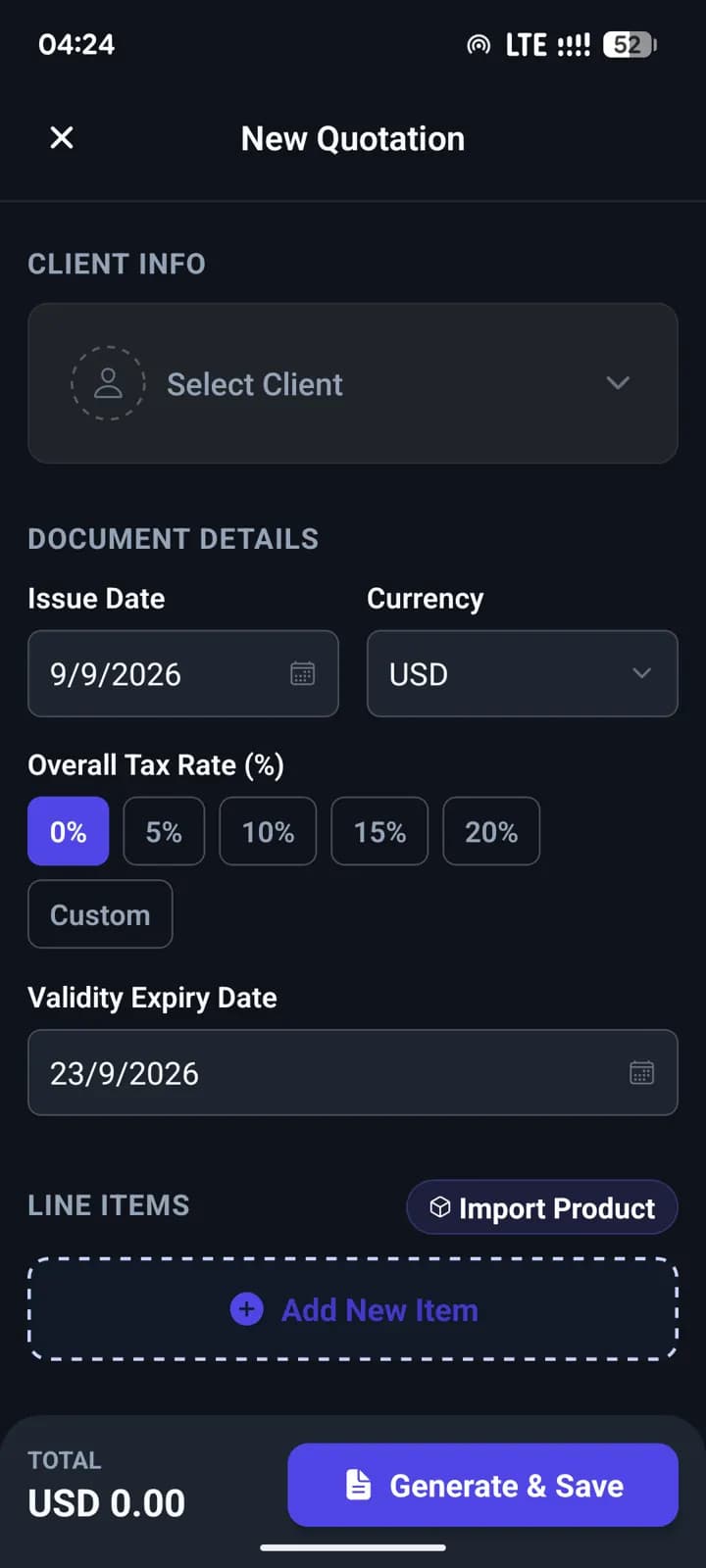
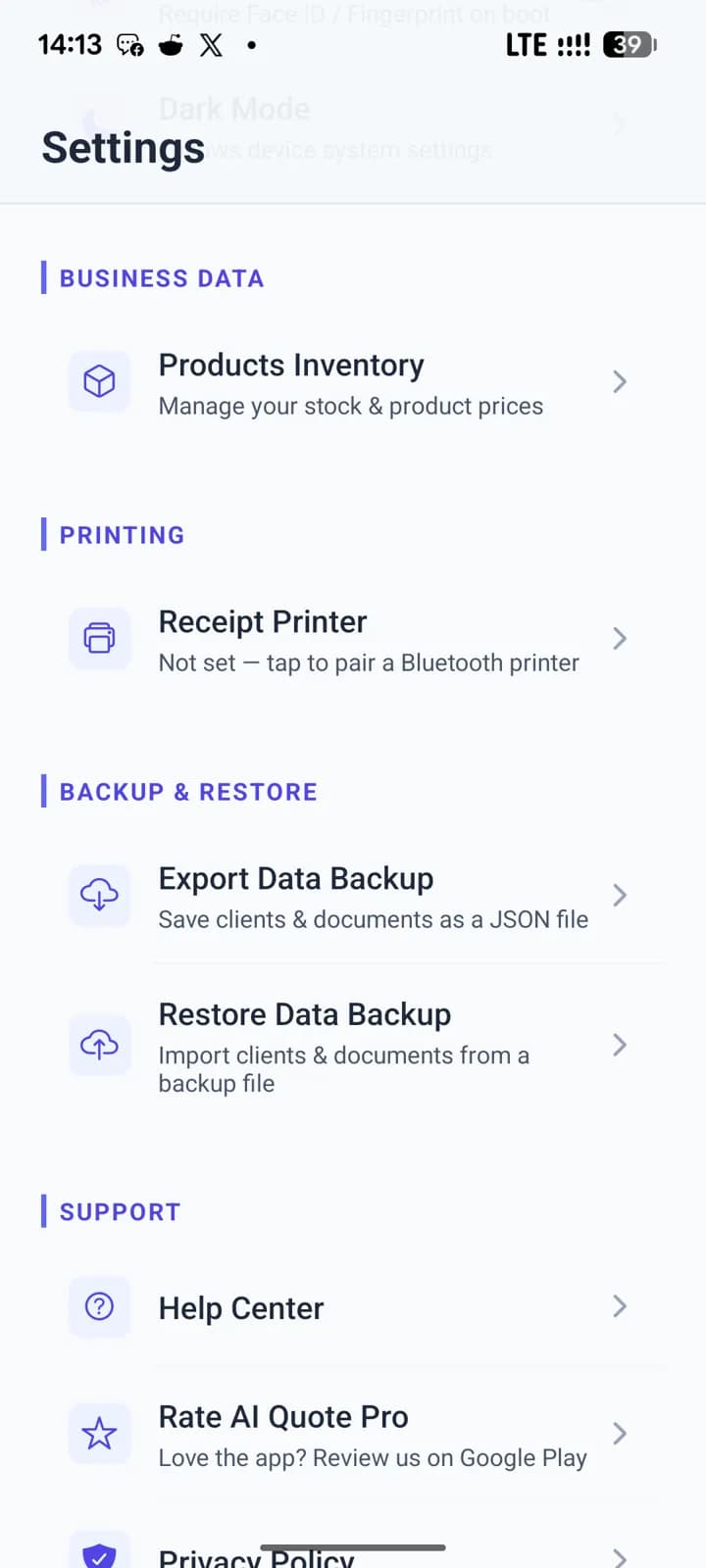
Questions
Where can I get the app?+
AI Quotation Maker is on Google Play for Android. It launched there in July 2026.
Is it free?+
Yes, there is a free plan. Paid plans are available and can be paid through Paynow with EcoCash or OneMoney, or by card.
What documents can I make?+
Quotations, invoices, proformas, receipts, delivery notes and purchase orders.
Which currencies does it support?+
Many, including USD, ZWG, ZAR, EUR and GBP. You choose the currency for your company and for each document.
How do I send a document to a client?+
Each document becomes a PDF that you can share on WhatsApp or by email.
Can I keep my documents private on my phone?+
Yes. You can turn on a fingerprint lock so the app asks for your fingerprint or face before it opens.